

Last Updated: January 3, 2026
Visuals might capture a viewer’s attention, but audio is what keeps them watching. You can have 4K footage and perfect colour grading, but if your dialogue is muddy or your background music overpowers the voiceover, the audience will click away. To fix audio, you need to hear it exactly as it is. This is why standard consumer headphones often fail video editors.
Consumer headphones (like Beats or basic AirPods) are designed to make music sound “fun” by boosting bass and treble. For a video editor, this is a lie. You need sound accuracy. You need headphones that act like a transparent window into your timeline, revealing pops, hisses, and uneven levels so you can fix them before export.
This guide analyses the top-performing headphones for video editing in 2026, breaking down why professionals trust them and which one fits your specific workflow.
Why You Cannot Edit with Just Any Headphones
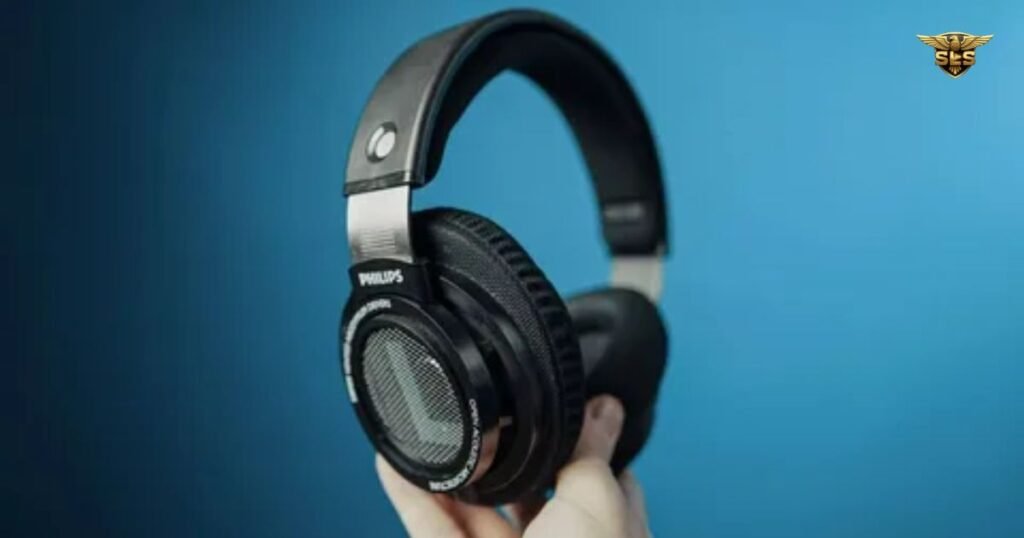
Before examining specific models, it is essential to understand the “Big Three” features that distinguish editing headphones from listening headphones.
1. The Importance of a Flat Frequency Response
In the audio world, “flat” is a compliment. A flat frequency response means the headphones do not artificially boost low or high sounds. If you edit on bass-heavy headphones, you might lower the bass in your mix because it sounds loud to you. When your audience listens on their laptop or phone, that bass will effectively disappear.
As highlighted by experts at SoundGuys, studio headphones aim for a neutral sound profile. This neutrality ensures that your video sounds consistent whether it is played on a home theatre system or a smartphone.
2. Wired Connectivity vs. Latency
Wireless technology has improved, but for video editing, wired headphones remain the undisputed king. The reason is latency. Bluetooth introduces a slight delay between the video on your screen and the audio reaching your ears.
Even a delay of a few milliseconds can ruin your ability to sync dialogue to lip movements or match sound effects to visual cuts. While some sources like CNET discuss the advancements in low-latency codecs, the vast majority of professional editors rely on a physical cable to ensure frame-perfect synchronisation.
3. Comfort for Long Sessions
Video editing is a marathon, not a sprint. You might wear your headphones for six to eight hours straight. Comfort is a technical specification, not just a luxury. Heavy headphones or ear cups that trap heat can cause fatigue, leading to bad editing decisions. Look for lightweight designs, padded headbands, and ear pads made of velour or cooling memory foam.
Top 5 Good Headphones for Editing Video(2026 Picks)
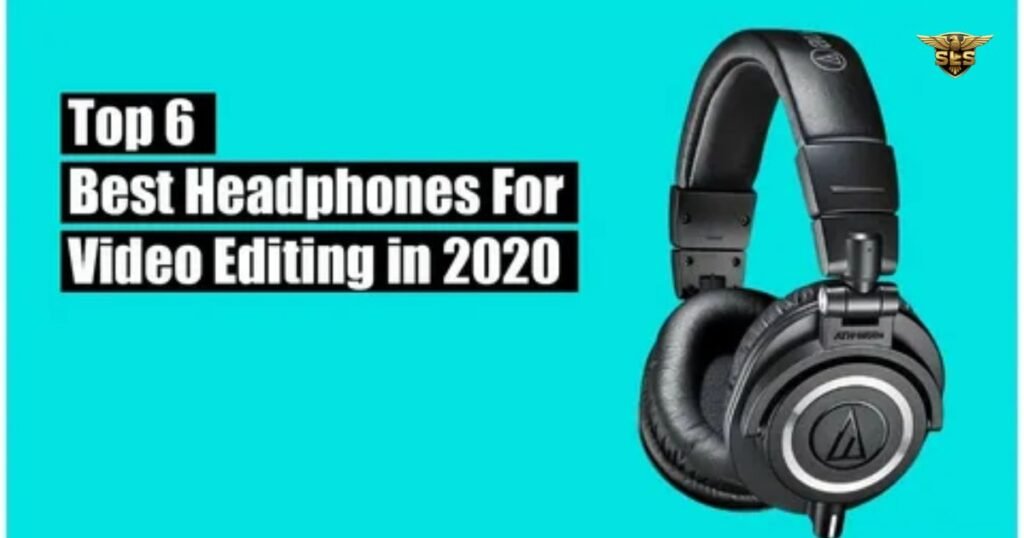
Based on data synthesised from top industry reviews, these are the standout models currently dominating the market.
1. Beyerdynamic DT 770 PRO (The Industry Standard)
Walk into almost any radio station, recording studio, or editing suite, and you will see a pair of these. The Beyerdynamic DT 770 PRO is widely considered the gold standard for closed-back studio headphones.
- Why Editors Love It: They are built like a tank but feel like a pillow. The large, circular ear cups are covered in a soft velour material that is much more breathable than cheap leatherette.
- Sound Profile: They offer excellent sound accuracy with a wide frequency range (5Hz–35kHz). This allows you to hear deep sub-bass rumbles that other headphones miss.
- Things to Know: They come in different impedance levels (Ohms). The 80 Ohm version is the sweet spot for most video editors, working well with high-end laptops and dedicated audio interfaces.
2. Sony MDR-7506 (Best Budget & Portable)
If you have ever seen a behind-the-scenes clip of a film set, the sound recordist was likely wearing these. The Sony MDR-7506 has been around for decades for one reason: they are brutally honest.
- Why Editors Love It: These headphones highlight flaws. If there is a hiss in your dialogue or background wind noise, the MDR-7506 will make it obvious so you can clean it up. They also fold up into a small ball, making them perfect for editors who travel.
- Sound Profile: Some users find them slightly “bright” (meaning higher pitched sounds are sharp), but this helps in clarifying speech intelligibility.
- Value: They usually sit in the $80–$120 range, offering professional monitoring capabilities at an entry-level price.
3. Audio-Technica ATH-M50x (The Versatile All-Rounder)
The Audio-Technica ATH-M50x bridges the gap between professional work and casual listening. They are incredibly popular among YouTubers and content creators.
- Why Editors Love It: Unlike the fixed cables on older models, the M50x features detachable cables, so if a wire breaks, you don’t have to throw away the headphones. The ear cups swivel 90 degrees, which is great for one-ear monitoring.
- Sound Profile: They have a slightly more “energetic” sound than the flat Beyerdynamics, with a bit more punch in the bass. This makes them enjoyable for listening to music when you aren’t editing.
- Isolation: The closed-back design provides decent isolation, blocking out computer fan noise or room ambience.
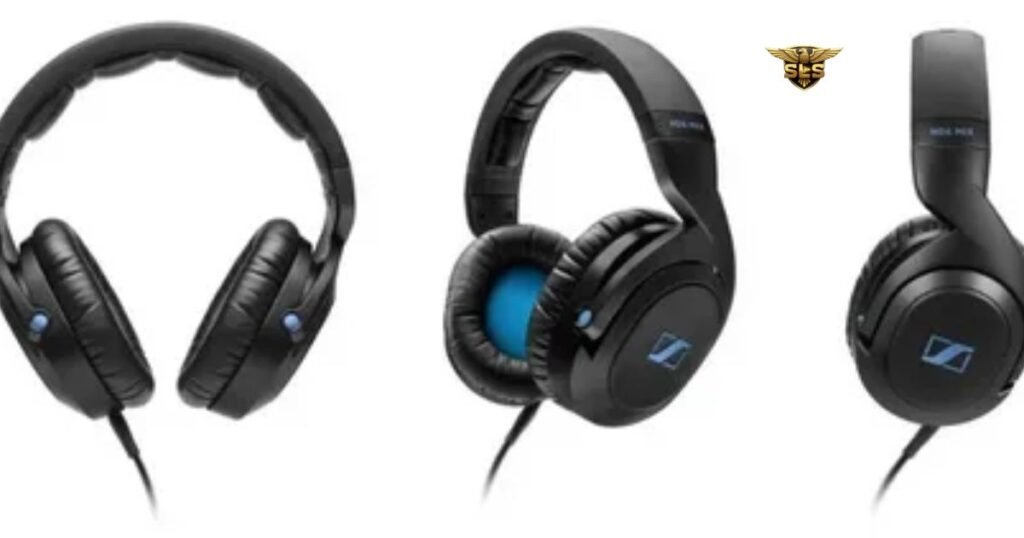
4. Sennheiser HD 300 PRO (Linear High-End Choice)
For those willing to invest a bit more for precision, the Sennheiser HD 300 PRO (a successor to the legendary HD 280/380 lines) focuses on linearity.
- Why Editors Love It: Sennheiser engineered these for linear sound, meaning every frequency is represented equally. They also boast high passive noise isolation, which helps you focus in noisy environments.
- Comfort: The padding is designed to distribute pressure evenly, reducing the “clamp” feeling on your head during long render times.
5. Rode NTH-100 (The Comfort King)
Rode is famous for microphones, but their entry into headphones has been a massive success, specifically targeting the content creation market.
- Why Editors Love It: The standout feature here is the CoolTech gel inside the ear cups. As noted in reviews from sources like Miracamp, this actively dissipates heat, keeping your ears cooler than standard memory foam.
- Design: They feature a unique “Lock-Fit” system that keeps the headband size in place, so you don’t have to readjust them every time you put them on.
Comparison: Technical Specs at a Glance
The following table synthesises the technical specifications of the top models discussed. Note that “Impedance” refers to how much power is needed to drive the headphones; lower numbers work better with phones/laptops, while higher numbers may require an amplifier.
| Headphone Model | Architecture | Best Use Case | Sound Range | Power Specs (Impedance) | Standout Feature | Potential Drawbacks | Est. Price |
|---|---|---|---|---|---|---|---|
| Beyerdynamic DT 770 PRO | Closed-back | Studio Editing | 5Hz–35kHz | 32 / 80 / 250 Ω | Velour pads for extreme comfort | 250Ω version requires an amp | $150 – $200 |
| Sony MDR-7506 | Closed-back | Field & Editing | 10Hz–20kHz | 63 Ω | Clearly reveals audio flaws | Ear cups may peel over time | $80 – $120 |
| Audio-Technica ATH-M50x | Closed-back | Mixed Media | 15Hz–28kHz | 38 Ω | Detachable cables & foldable design | Narrow soundstage | $150 – $200 |
| Sennheiser HD 300 PRO | Closed-back | Professional Audio | Linear | 64 Ω | Excellent noise isolation | Higher price point | $200 – $300 |
| Rode NTH-100 | Closed-back | Content Creation | Not listed | Not listed | CoolTech cooling gel earcups | Consumer-focused styling | $100 – $150 |
| Focal Listen Pro | Closed-back | Mixing | Not listed | 32 Ω | Flexible, durable headband | Smaller earcups | $250 – $350 |
| Beyerdynamic DT 990 PRO | Open-back | Quiet Studios | 5Hz–35kHz | 250 Ω | Wide, natural soundstage | Sound leakage; not for noisy rooms |
Technical Deep Dive: Open-Back vs. Closed-Back
When shopping, you will see the terms “Open-Back” and “Closed-Back.” Understanding the difference is critical for your editing environment.
Closed-Back Headphones (The Safe Choice)
Models like the Sony MDR-7506 and Audio-Technica ATH-M50x are closed-back. The outer shell of the ear cup is solid.
- Pros: They trap sound in (preventing leakage) and block outside noise out (isolation).
- Best For: Editing in shared spaces, coffee shops, or offices with loud computer fans. They are also essential if you record voiceovers, as they prevent the headphone sound from bleeding into your microphone.
Open-Back Headphones (The Mixing Choice)
Models like the Beyerdynamic DT 990 PRO or Sennheiser HD 600 series have mesh or grills on the ear cups.
- Pros: Air passes through the drivers, creating a wider “soundstage.” This makes the audio sound more like it is coming from speakers in a room rather than inside your head. It is generally more natural to mix music.
- Cons: Everyone around you can hear what you are listening to, and you can hear every noise in your room.
- Best For: Final audio mixing in a perfectly quiet, acoustically treated studio. As RTINGS.com suggests, open-back headphones often provide better frequency response consistency, but they lack versatility for general editing.
Workflow: How to Edit Audio Correctly
Owning good headphones is only step one. You must use them correctly.
1. Watch Your Volume Because closed-back headphones isolate you, it is easy to creep the volume up. This causes “ear fatigue,” where your ears temporarily lose sensitivity to high frequencies. Keep the volume at a moderate conversational level.
2. The “Car Test” Strategy: Never rely on just one audio source. Use your studio headphones for the detailed edit (removing background noise, EQing dialogue). Then, check the mix on:
- Laptop speakers.
- Cheap earbuds.
- Your phone. This ensures your video sounds good on the devices your audience actually uses.
3. Understanding Impedance If you buy high-impedance headphones (like the 250 Ohm Beyerdynamics), plugging them directly into a MacBook might result in low volume. You may need an audio interface (like a Focusrite Scarlett) or a headphone amplifier to drive them properly. For mobile editing, stick to headphones under 80 Ohms.
Best External HD for Video Editing in 2026: Speed, Storage & Reliability
FAQs: Common Questions About Editing Headphones
Here are the most frequent questions video editors ask, based on current search data.
Are wired or wireless headphones better for video editing?
Wired headphones are significantly better. The primary reason is latency (lag). Bluetooth connections introduce a delay, meaning the sound you hear happens milliseconds after the video frame you see. This makes precise cutting and lip-syncing nearly impossible. Wired connections offer zero latency and generally higher audio fidelity for the price.
What frequency response do headphones need for video editing?
You should look for a flat or neutral frequency response. A range of 20Hz to 20kHz covers the limit of human hearing, but professional models often go wider (e.g., 5Hz–35kHz) to ensure accuracy at the extremes. Avoid headphones that advertise “Extra Bass,” as they will skew your perception of the mix.
Why should you use reliable headphones for video editing?
Reliable, professional headphones reveal the “truth” of your audio. Consumer headphones often hide imperfections like static, wind rumble, or harsh “S” sounds (sibilance) to make music sound pleasant. If you edit with forgiving headphones, you will upload videos with audio errors that your audience will hear.
Are Bose or noise-cancelling headphones good for video editing?
Generally, no. Active Noise Cancellation (ANC) headphones (like Bose QuietComfort or Sony WH-1000XM5) use digital processing to cancel outside noise. This processing alters the sound profile, adding “colour” to the audio. While they are excellent for travel, they are not recommended for critical audio mixing.
Open-back vs. closed-back headphones for editing?
For most video editors, closed-back headphones are superior. They provide isolation, allowing you to focus without hearing your computer fans or AC unit. Open-back headphones are fantastic for mixing in quiet studios, but they are not versatile enough for general editing workflows where background noise is a factor.
What are the best headphones for film editors?
Film editors generally prefer the Beyerdynamic DT 770 PRO for comfort during long days or the Sony MDR-7506 for their ability to detect audio defects. If budget allows, the Sennheiser HD 300 PRO offers a great balance of linearity and isolation.
Are earbuds good headphones for video editing?
High-end in-ear monitors (IEMs) can be accurate, but standard consumer earbuds (like AirPods) should not be your primary editing tool. However, they are excellent for reference checking. Once your edit is done, listen to it on earbuds to hear what your mobile audience will experience.
Video Editing Charges: The 2026 Guide to Pricing & Rates
Conclusion: Good Headphones for Editing Video
Choosing the right headphones for video editing is an investment in your final product. You cannot correct what you cannot hear.
If you need the absolute industry standard that balances comfort and accuracy, the Beyerdynamic DT 770 PRO is the top recommendation for 2026. If you are a mobile editor or working on a tight budget, the Sony MDR-7506 remains the unbeatable value king. For those who want modern features like cooling gel and detachable cables, the Rode NTH-100 or Audio-Technica ATH-M50x are superb choices.
Remember to prioritise a wired connection for sync accuracy and a closed-back design to block out distractions. Upgrade your audio monitoring today, and your video quality will follow.