
For years, creative professionals believed a myth: to create high-quality video content, you needed an expensive Mac or a Windows PC loaded with subscription software. That landscape has changed dramatically. Ubuntu for video editing is no longer just a workaround; it is a robust, professional-grade solution used by YouTubers, filmmakers, and indie studios worldwide.
Switching to a Linux distribution for multimedia production offers incredible freedom. You get stability, security, and a suite of powerful open source software that costs absolutely nothing. Whether you are cutting a simple vlog or color-grading 8K footage, Ubuntu can handle the workload.
This guide explores the best tools, hardware optimizations, and specialized distributions to turn your computer into a creative powerhouse.
Why Creators Are Moving to Ubuntu
The primary driver for moving to Linux is control. In the Windows environment, forced updates can interrupt a long video rendering session. In the Apple ecosystem, hardware upgrades are notoriously difficult.
Ubuntu offers a stable, LTS (Long Term Support) base that respects your system resources. For video editors, the most significant advantage is efficiency. Ubuntu typically uses less RAM and CPU power for background processes compared to Windows 11. This means more multi-core processing power is available for your non-linear editor (NLE), resulting in smoother playback and faster export times.
Furthermore, specific flavors of Linux are built specifically for creatives. These versions utilize a low-latency kernel, which reduces the delay between the software and your audio/video hardware, ensuring precise synchronization during recording and mixing.
Top Video Editing Software for Ubuntu
The Linux ecosystem is rich with video production tools. While you won’t find Adobe Premiere Pro here, you will find alternatives that are often faster and more flexible.
1. Kdenlive: The Best All-Rounder
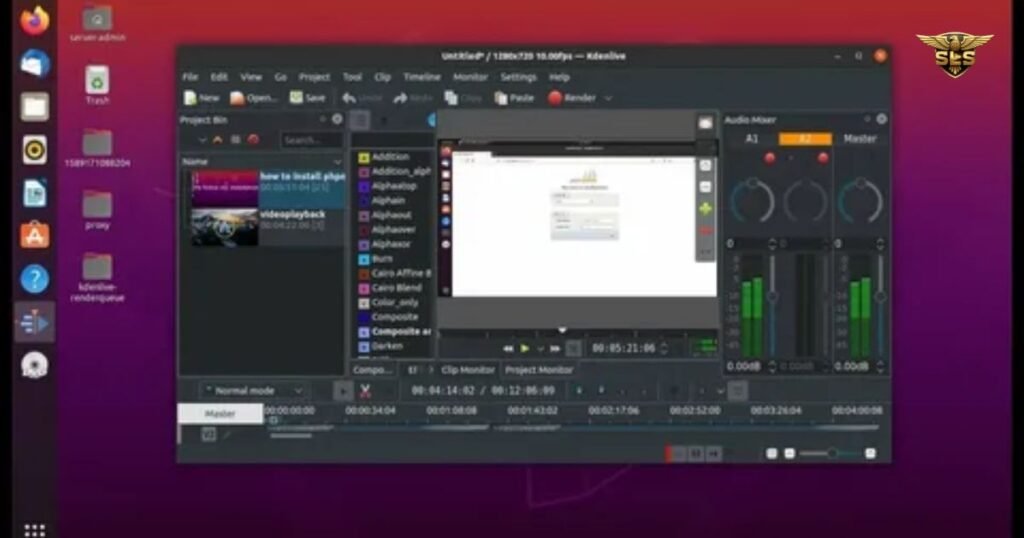
If you are looking for the perfect balance between professional features and a user-friendly interface, Kdenlive is the gold standard. Built on the MLT Framework, Kdenlive (KDE Non-Linear Video Editor) supports an unlimited number of multimedia tracks.
It excels at 4K video editing thanks to its proxy editing feature. This allows you to edit with lower-resolution copies of your clips to keep the timeline smooth, then switch back to the high-quality files for the final render. Features include versatile video transitions, keyframeable effects, and deep audio tools. It is widely considered the best general-purpose editor for Ubuntu.
2. Shotcut: The Format Specialist
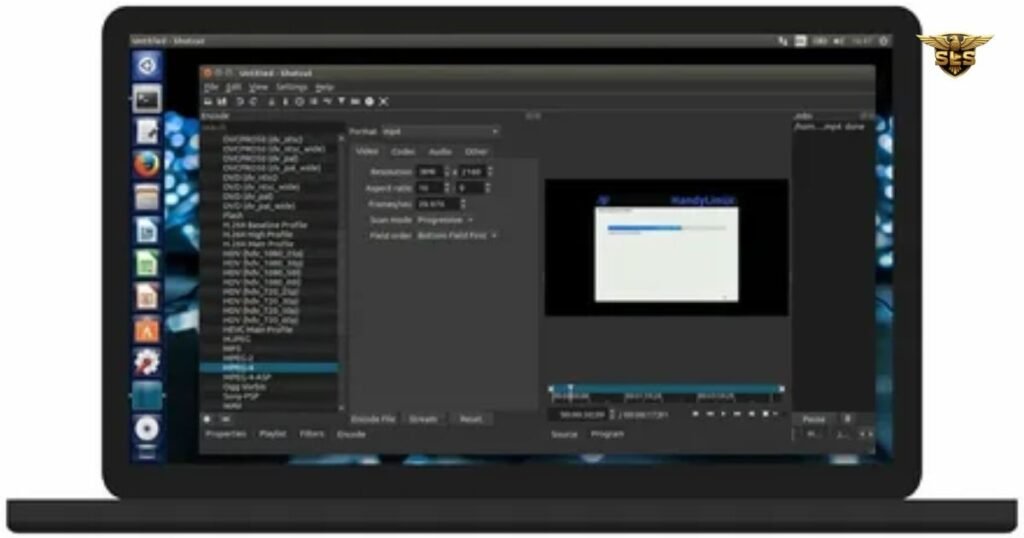
Shotcut is a favorite among users who switch frequently between operating systems because it looks and feels the same on Linux, Windows, and macOS. It supports an immense range of formats via FFmpeg, meaning you rarely need to convert files before importing them.
The interface might seem unusual at first because panels are detachable, allowing for a fully custom layout. It supports hardware acceleration, dragging files directly from your file manager, and 4K resolutions. It is an excellent choice for content creation where speed and wide format compatibility are required.
3. OpenShot: Beginner-Friendly Simplicity
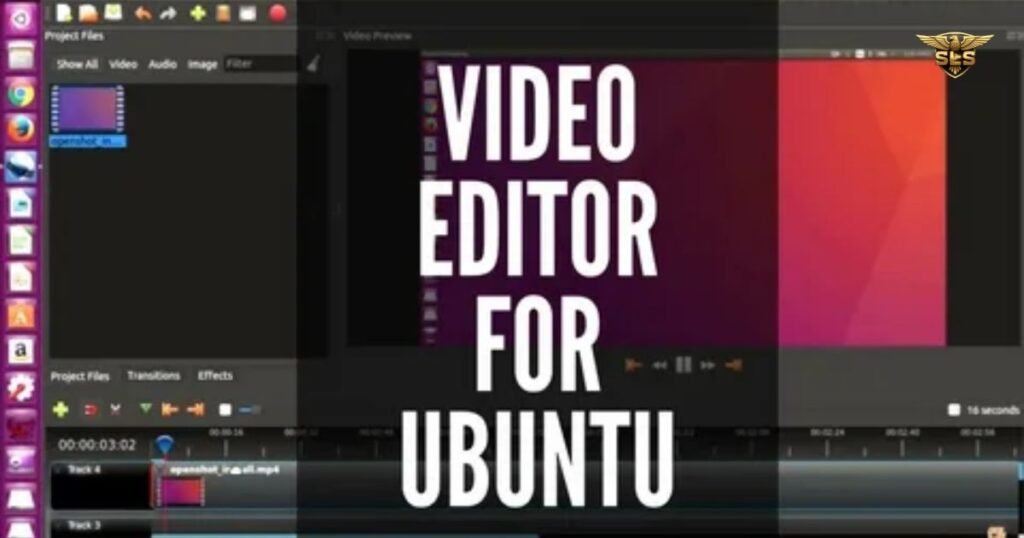
For those new to video editing, OpenShot is the best starting point. It utilizes a simple drag-and-drop workflow that makes combining clips, adding music, and inserting titles incredibly easy.
Despite its simplicity, it includes 3D animated titles (powered by Blender integration) and digital video effects. It is ideal for quick social media cuts or slideshow-style videos where you need to mix photography with video clips.
4. DaVinci Resolve: The Hollywood Standard
Yes, you can run professional, Hollywood-grade software on Ubuntu. DaVinci Resolve is the most powerful tool on this list, offering industry-leading color correction, visual effects, and audio post-production.
However, there is a catch. The free version on Linux has some limitations regarding codec support (often requiring ProRes or DNxHR transcoding) compared to Windows. Additionally, installation can be tricky as it officially targets CentOS, though many users successfully run it on Ubuntu. It requires a powerful setup with a dedicated GPU to function correctly.
5. Blender: More Than Just 3D
While famous for 3D animation, Blender includes a fully functional Video Sequence Editor (VSE). It is a beast for video compositing and complex visual effects. If your workflow involves combining CGI with live-action footage, Blender is unmatched. It allows for practically infinite customization but comes with a steep learning curve.
6. OBS Studio: The Streamer’s Essential
While primarily used for live streaming and screen recording, OBS Studio is essential for modern video workflows. It captures high-quality footage of your desktop or gaming sessions, which can then be imported into editors like Kdenlive. On Ubuntu, OBS runs efficiently, utilizing system resources well to prevent dropped frames during streams.
The Ultimate Guide to Video Editing in Lightroom: Workflow & Secrets
Comparison: Best Free Video Editors for Ubuntu
| Software | Best For | Complexity Level | Key Features |
|---|---|---|---|
| Kdenlive | General Editing & YouTube | Moderate | Proxy editing, multi-track timeline, heavy customization |
| OpenShot | Beginners & Quick Cuts | Low | Drag-and-drop editing, 3D titles, simple interface |
| Shotcut | Cross-platform Users | Moderate | Wide format support (FFmpeg), native timeline editing |
| DaVinci Resolve | Professional Color Grading | High | Industry-standard color tools, Fusion VFX, Fairlight audio |
| Blender | 3D Artists & VFX | Very High | 3D compositing, animation, masking, motion tracking |
Ubuntu Studio: The Creative Powerhouse
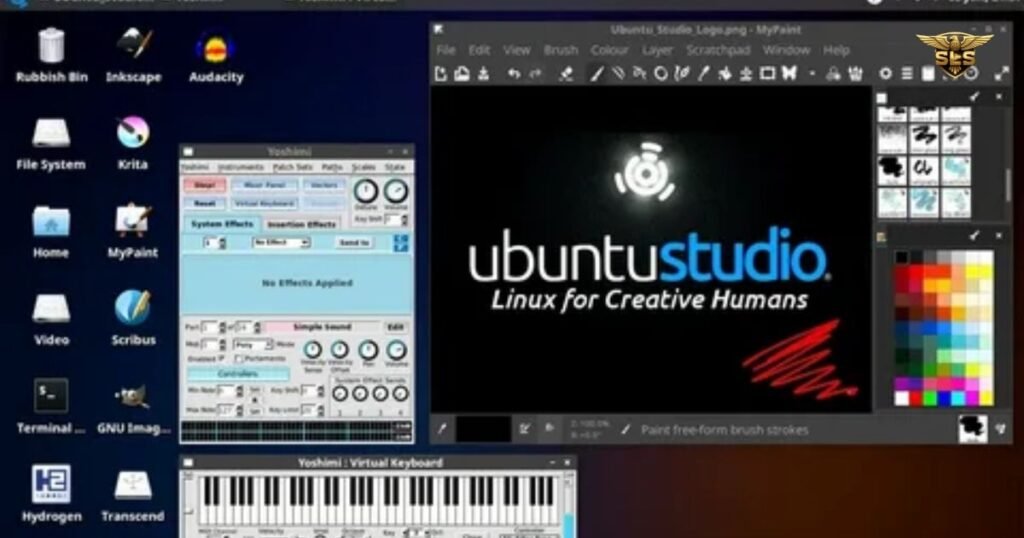
If you do not want to install these applications one by one, you should consider installing Ubuntu Studio. This is an official flavor of Ubuntu tailored specifically for audio, video, and graphics enthusiasts.
According to the official Ubuntu Studio project, this distribution comes pre-installed with a massive suite of creative applications, including Kdenlive, Blender, OBS Studio, GIMP for graphic design, and Inkscape for desktop publishing.
The “killer feature” of Ubuntu Studio is the configuration. It uses the low-latency kernel by default. For audio engineers and video editors, this reduces latency (lag) during recording and playback. It also utilizes the KDE Plasma desktop environment, which is lightweight and highly customizable, ensuring your GPU and CPU focus on rendering video rather than drawing desktop animations.
Hardware Acceleration and Performance
One of the most critical aspects of professional video editing on Linux is driver support. To get smooth playback and fast video exporting, you must utilize hardware acceleration.
GPU Support (Nvidia vs. AMD)
Historically, Linux users struggled with graphics drivers. Today, the landscape is much better.
- Nvidia: Ubuntu makes it easy to install proprietary Nvidia drivers via the “Software & Updates” settings. For DaVinci Resolve and Blender, Nvidia cards often offer superior performance due to CUDA core support.
- AMD: AMD drivers are open-source and built directly into the Linux kernel. They offer excellent stability out of the box for Kdenlive and Shotcut, though they may lack some proprietary features found in pro-grade grading software.
System Resources
Video editing is demanding. To edit 4K video, your Ubuntu machine should ideally have:
- RAM: 16GB is the minimum; 32GB is recommended for complex timelines.
- Processor: A modern multi-core processor (Ryzen 7 or Intel i7) is vital because tools like Handbrake (for transcoding) and Kdenlive rely heavily on CPU threading for rendering.
Step-by-Step: Setting Up Your Editing Station
Ready to start? Here is how to prepare your Ubuntu system for content creation.
1. Update Your System Before installing apps, ensure your core system and libraries are current. Open the terminal and type: sudo apt update && sudo apt upgrade
2. Choose Your Installation Method: Linux offers several ways to install software.
- APT/PPA: The traditional method. Stable but sometimes holds older versions.
- Snap Store: Ubuntu’s default app store. Easy to use and auto-updates, though apps can sometimes launch more slowly.
- AppImage: A portable file you download and run instantly without installation. Great for trying new versions of Kdenlive or Shotcut without altering your system.
- Flatpak: A popular alternative to Snaps that many creators prefer for its speed and sandbox security.
3. Install Media Codecs. Ubuntu does not install some proprietary media codecs by default due to licensing. To ensure you can play and edit MP4, MOV, and AAC files, install the “Ubuntu Restricted Extras” package: sudo apt install ubuntu-restricted-extras
“If you want to create good and professional videos or want to become an editor, then visit:”https://sarmadlalistudios.com/
Frequently Asked Questions (FAQs)
What is the best free video editor for Ubuntu?
For most users, Kdenlive is the best free video editor. It strikes the perfect balance between advanced features (like multi-track editing and effects) and usability. It is stable, open-source, and updated frequently by the community. If you need Hollywood-level color grading and have a powerful GPU, DaVinci Resolve is the superior choice, though it has a steeper learning curve.
Can I do video editing in Ubuntu?
Yes, absolutely. You can produce professional-quality video content in Ubuntu. From importing footage to audio mixing, adding transitions, and exporting in 4K, Ubuntu handles the entire pipeline. Many YouTubers and advocates of open source software rely entirely on Linux for their production workflow.
Which easy-to-use video editor is good for Ubuntu and lets you take pictures while working on videos?
OpenShot is an excellent choice for this. It is incredibly easy to use and allows you to mix photos and videos seamlessly on the timeline. It supports image overlays and has a simple “snapshot” feature that lets you save the current frame of a video as an image file (PNG/JPG) directly to your computer.
What is the best video editor in Linux?
“Best” depends on your needs. For linear editing and ease of use, OpenShot is best. For general creative work and YouTube, Kdenlive takes the crown. For high-end industry work involving heavy color correction and compositing, DaVinci Resolve is the technical leader. For pure 3D animation mixed with video, Blender is the best.
How demanding is Blender for video editing?
Blender is resource-intensive. Because it is a full 3D creation suite, it requires a capable graphics card and a good amount of RAM (16GB+ recommended). While its Video Sequence Editor (VSE) is lighter than the 3D viewport, using it for complex video compositing or adding 3D effects to video will tax your system hardware significantly.
Do I need a dedicated GPU for video editing on Ubuntu?
For basic 1080p cutting in OpenShot or Shotcut, integrated graphics (like Intel Iris Xe) are sufficient. However, if you plan to do 4K video editing, use DaVinci Resolve, or perform heavy rendering with effects, a dedicated GPU (Nvidia or AMD) is highly recommended. It significantly speeds up video rendering and playback smoothness.
Conclusion
The era of Linux being “too difficult” for creatives is over. Ubuntu provides a stable, secure, and incredibly cost-effective platform for video editing. Whether you choose the all-in-one power of Ubuntu Studio or prefer to install Kdenlive on a standard desktop, you have access to tools that rival expensive proprietary software.
By leveraging the low-latency kernel, hardware acceleration, and the flexibility of open source software, you can build a production studio that is truly yours. The software is free, the community support is vast, and the performance is undeniable. It is time to download your editor of choice and start creating.